

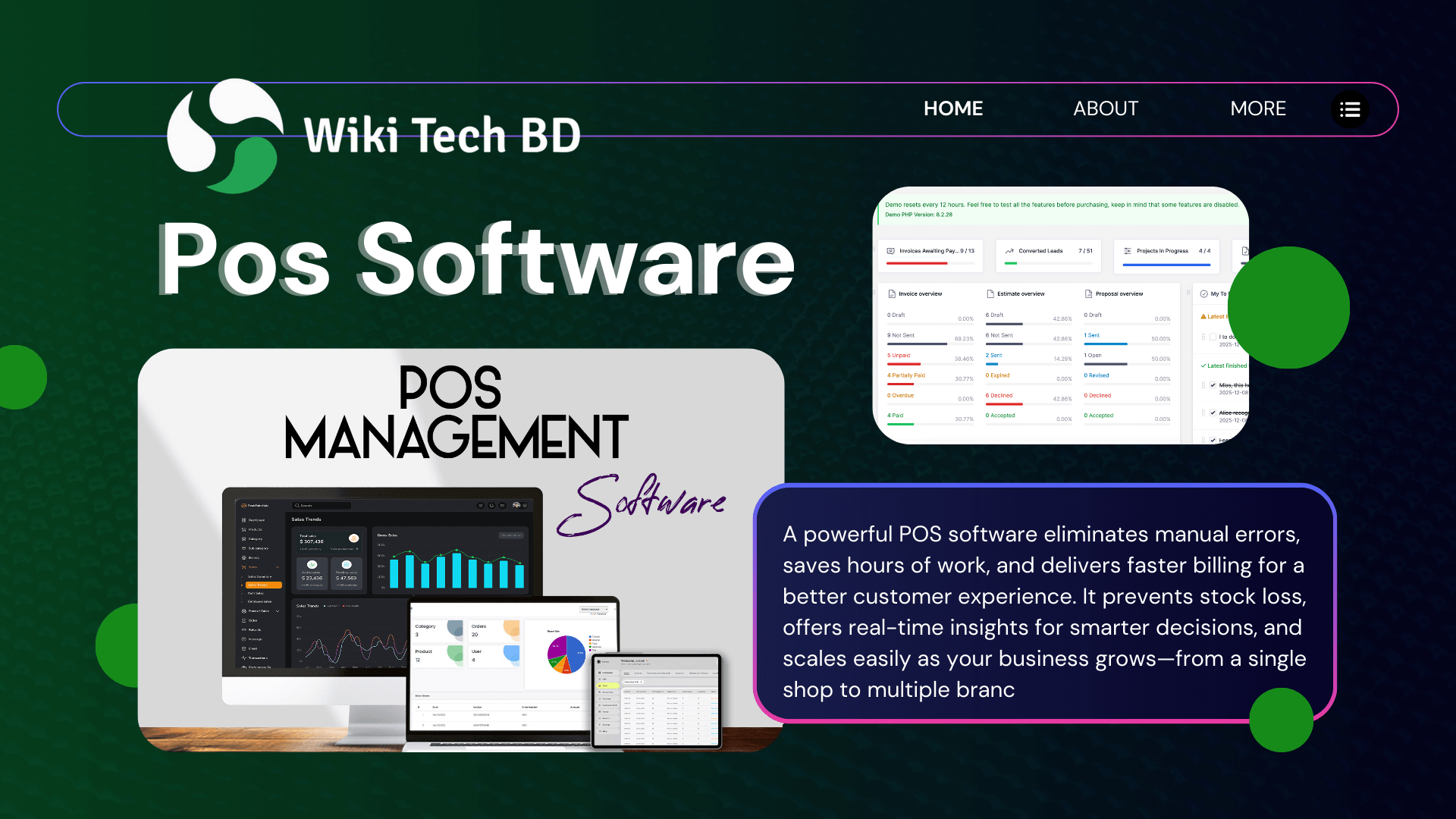
A Complete Guide for Modern Businesses – POS Software
Running a business today is more competitive than ever. Customers expect faster service, digital receipts, multiple payment options, and smooth checkout experiences. Whether you run a retail shop, restaurant, pharmacy, salon, or supermarket, your success depends on how efficiently you manage sales, stock, and daily operations.
This is where POS software becomes your business’s backbone.
In this comprehensive guide, you’ll learn what POS software is, how it works, why you need it, and how to choose the best POS system for your business.
What Is POS Software?
POS stands for Point of Sale—the place where a customer pays for a product or service. Traditionally, it was just a cash register. However, today, POS software is a comprehensive digital solution that enables you to manage sales, inventory, customers, accounting, and business analytics.
In simple words:
A POS software system helps you sell smarter, operate faster, and grow your business with real-time data.
How Does POS Software Work?
Modern POS systems work through a combination of software and hardware. Here’s how a typical process happens:
- The customer chooses a product.
- You add it to the POS system.
- The POS automatically pulls product details (price, stock, discounts).
- Customers can pay via cash, card, mobile wallet, or QR code.
- The transaction is saved, and the stock is updated instantly.
- You get reports on sales, profit, and inventory.
Everything happens in seconds.
Key Features of a Modern POS Software:
A good POS software should help you manage your entire business, not just sales. Here are the essential features:
1. Fast & Smooth Billing
Instant product search, barcode scanning, automatic pricing, and quick checkout to reduce customer waiting time.
2. Real-Time Inventory Management
Know exactly what’s in stock, what’s running low, and which products are fast-moving or slow-moving.
3. Multi-Payment Support
Cash, card, mobile banking, QR payment, and due payment—all in one screen.
4. Customer Management
Save customer details, track buying history, and create loyalty or discount programs.
5. Live Sales Reports
Daily, weekly, monthly, and yearly sales reports are accessible from a mobile or a laptop.
6. User & Branch Control
Assign different roles to staff, limit access, and manage multiple stores from a single dashboard.
7. Cloud Backup
Your data stays safe, backed up, and accessible from anywhere.
8. Supplier & Purchase Management
Track suppliers, maintain purchase orders, and calculate accurate profit margins.
Why Your Business Needs POS Software
If you’re still handling your business manually, you’re losing time, money, and opportunities. Here’s how a powerful system transforms your business:
1. Zero Manual Errors
Human mistakes in calculation or stock entry can cost money. POS software ensures accuracy.
2. Saves Hours of Work
Billing, stock updates, profit calculation, and reporting happen instantly.
3. Better Customer Experience
Fast checkout, happy customers = more repeat business.
4. Prevents Stock Loss & Theft
Track every item, reduce expiry losses, and monitor staff activities.
5. Helps You Make Smarter Decisions
Live data shows which products sell best and when business peaks.
6. Grows With Your Business
From a single shop to multiple branches—quality software supports expansion.
Types of POS Software
Different businesses need different types of POS solutions. Here are the major categories:
1. Retail POS Software
Perfect for supermarkets, clothing stores, pharmacies, electronics shops, and grocery stores.
2. Restaurant POS Software
Designed for dine-in, takeaway, delivery, kitchen order (KOT), and table management.
3. Cloud-Based POS Software
Most popular today. Access from anywhere, automatic backup, and mobile-friendly.
4. Offline POS Systems
Works without internet. Suitable for remote areas but limited in features.
5. Mobile POS Apps
Used on tablets or smartphones. Great for on-the-go sales or small shops.
Industries That Benefit From POS Software
Here are the common industries that rely on POS systems:
- Retail shops
- Restaurants & cafes
- Pharmacies
- Salons & spas
- Fashion & clothing stores
- Electronics & gadget shops
- Supermarkets
- Hardware stores
- Bookstores
- Distribution & wholesale
No matter the size, every business can benefit from the speed and accuracy of a POS system.
Cloud POS vs. Traditional POS: Which One Is Better?
| Feature | Cloud POS Software | Traditional POS |
| Access | Anywhere, anytime | Only at the shop |
| Backup | Automatic | Manual |
| Updates | Automatic | Costly upgrades |
| Cost | Affordable | Expensive |
| Flexibility | Highly flexible | Rigid |
Verdict: Cloud-based software is the best choice for modern businesses.
How to Choose the Right POS Software (Expert Tips)
Selecting the right POS is important. Here’s what you should check:
✔ Your Business Type
A restaurant POS won’t fit a retail shop. Choose industry-specific features.
✔ Cloud vs. Offline
Go for cloud POS unless your area has poor internet.
✔ Ease of Use
Your employees should learn it quickly.
✔ Support & Training
24/7 support is essential.
✔ Reporting System
Better reports = better decisions.
✔ Security
Your data must be encrypted and backed up.
✔ Pricing
Avoid hidden charges. Look for transparent pricing.
Final Thoughts: POS Software Is Not an Expense — It’s an Investment
In today’s fast-paced business world, manual operations slow you down. A powerful POS software system helps you:
- Sell faster
- Reduce errors
- Track everything
- Increase profits
- Improve customer satisfaction
- Grow your business confidently
Whether you’re a small shop or a large retail chain, the right POS can transform your business.